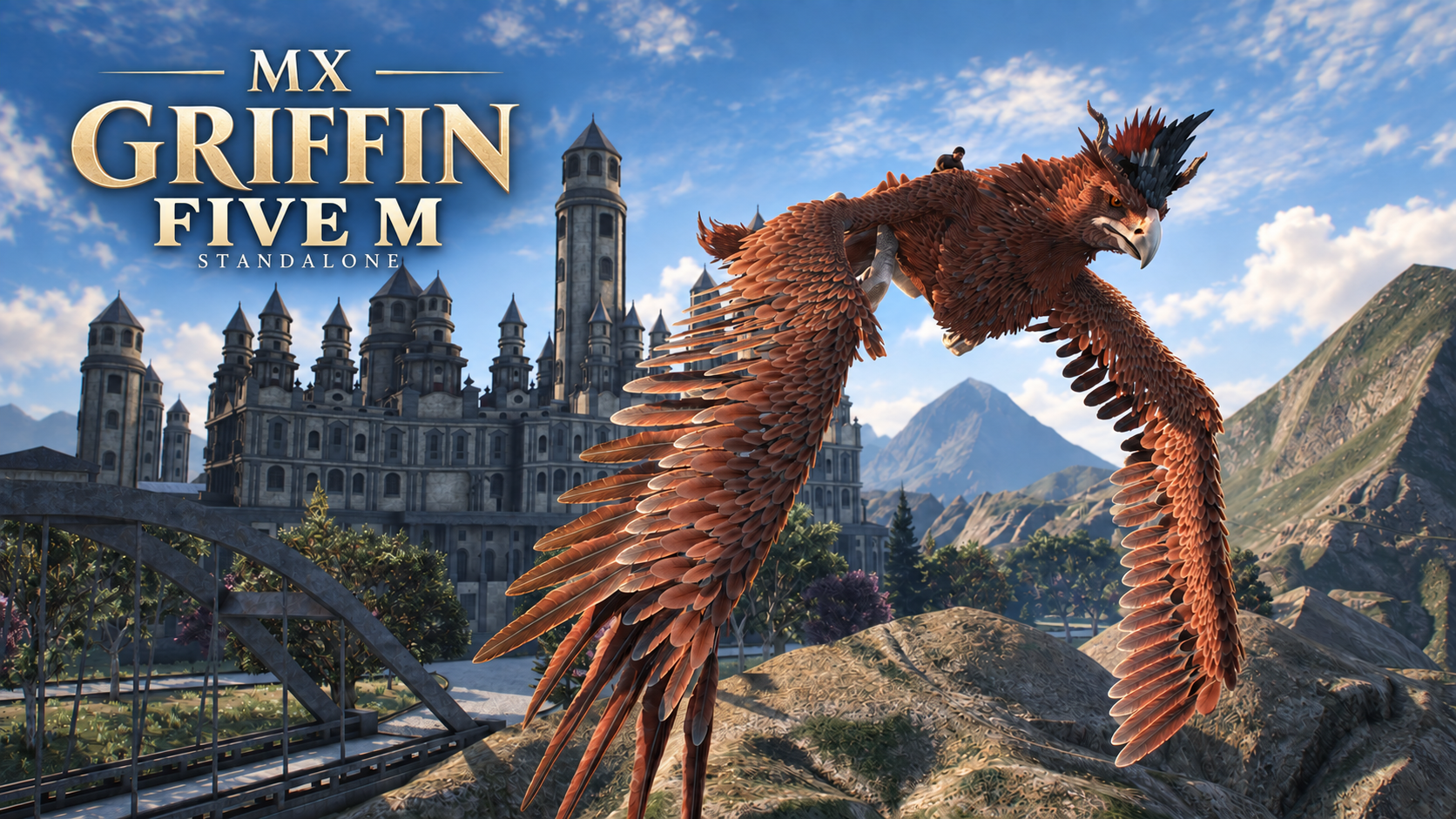
MX GRIFFIN — Standalone Flying Mount for FiveM

Ride a legendary creature, take to the skies and unleash powerful abilities.
MX Griffin includes native animations,
spatial audio, visual effects and a fantasy power wheel.

RIDE & FLY

• Summon, mount, dismount and dismiss your Griffin.
• Walk, run, take off, fly and land.
• Native movement, flight and attack animations.
• Wingbeat sounds during flight.
• Griffin cries during takeoff and landing.
• Heavy rear-paw footsteps with varied sounds, ground particles and subtle camera shake.
• Distance-based 3D audio.

SPECIAL ABILITIES

WINGBLAST
Unleash a powerful wing strike on the ground or in flight.
Push nearby players on foot, NPCs, vehicles and
movable objects away with directional wind effects and impact audio.

Default range: 40 metres.
Cooldown: 8 seconds, starting after the attack finishes.
Fixed scenery and protected objects are excluded.

DEVOUR
Grab and swallow a living NPC through an animated sequence
with blood effects and creature sounds.

Ground only. Default range: 11 metres.
Real players cannot be devoured.

POWER WHEEL & HUD

• Transparent power wheel with magical selection sounds.
• Compact HUD displaying your selected ability, availability and controls.
• Six remappable Griffin key bindings.
• Control hints reflect each player’s assigned keys.

DEFAULT CONTROLS

F — Mount / dismount.
SPACE — Take off.
G — Land when close to the ground.
HOLD LEFT SHIFT — Run on the ground.
HOLD LEFT ALT — Open the power wheel; release to select.
R — Use the selected ability.
ESCAPE — Cancel power selection.

Movement and flight steering use GTA vehicle controls.
Descend near the ground before landing or dismounting.

Change Griffin bindings in Settings → Key Bindings → FiveM.

COMMANDS

/mxgriffin — Summon and mount your Griffin.
/mxgriffinpark — Summon your Griffin on the ground.
/mxgriffindismiss — Dismiss your Griffin.

MULTIPLAYER

• Server-controlled mount ownership.
• Synchronized animation and ability timing.
• Server-side permission and ownership checks.
• Request limits to reduce command spam.
• Routing-bucket checks for ability synchronization.

CUSTOMIZATION

The editable config.lua lets you adjust:

• Walking, running and flight speeds.
• Landing height.
• Wingblast range, force and cooldown.
• Devour targeting range.
• Default key bindings.
• Spawn permissions and summon interval.
• Footstep sounds, particles, audible range and camera shake.

Configuration and interface files remain accessible after Asset Escrow processing.

REQUIREMENTS & INSTALLATION

Standalone — no ESX, QBCore, database or external sound resource required.

OneSync is required.

Models, textures, native animations, sounds and interface are included in one resource.

Extract mx_griffin into your resources directory and add this line to your server configuration:

ensure mx_griffin

Video

 Join our Discord